
Your pocket-sized music studio
Make beats.Anywhere.
Create rhythms, tap 16 drum pads, build patterns step by step and turn musical ideas into beats with Pocket Beat Maker for Android.
Not yet published on Google Play.
- Android
- One-time purchase
- Works offline
- No ads, no accounts
The studio
A focused instrument, not a feature pile.
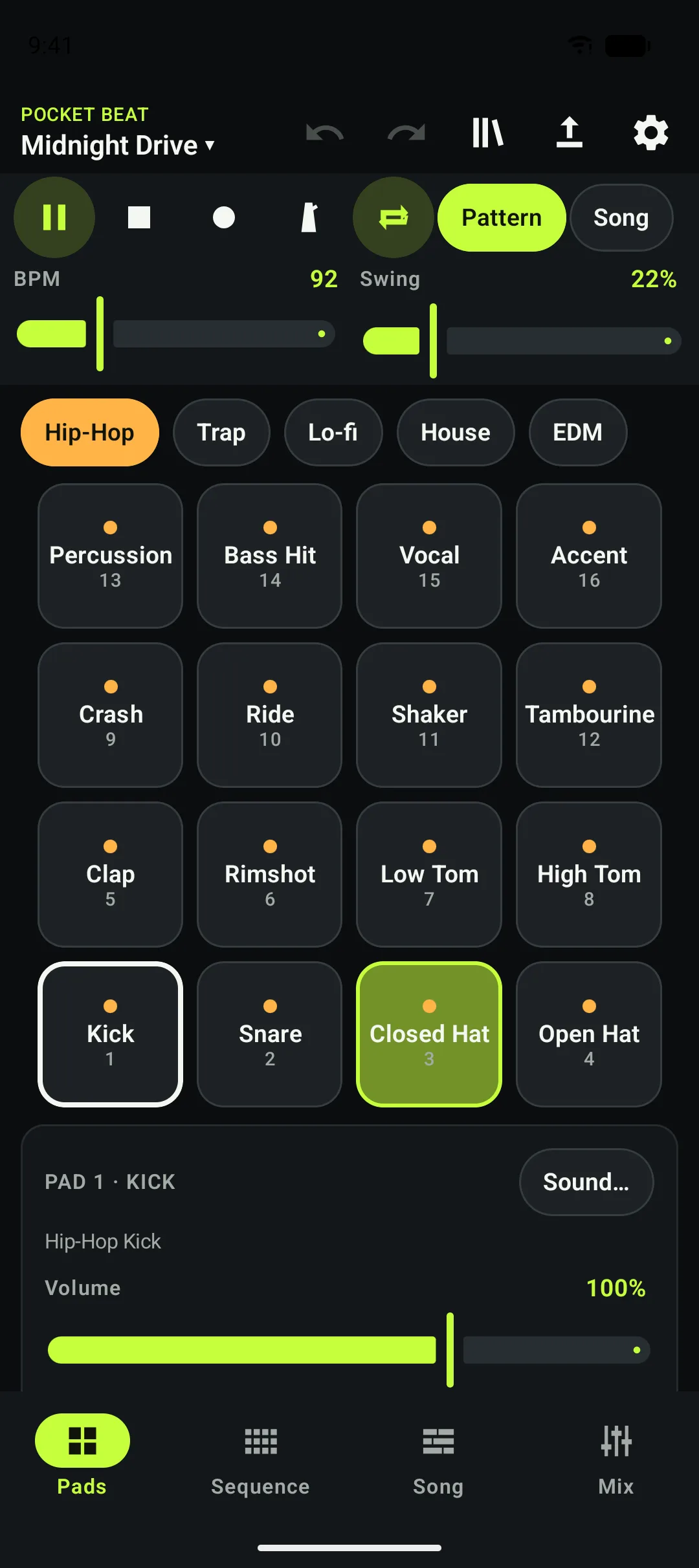
Pocket Beat Maker keeps everything you need to sketch a beat on one compact set of screens: Pads, Sequence, Song and Mix.
- Play. Sixteen touch pads per kit, with tempo, swing and a metronome in the transport bar.
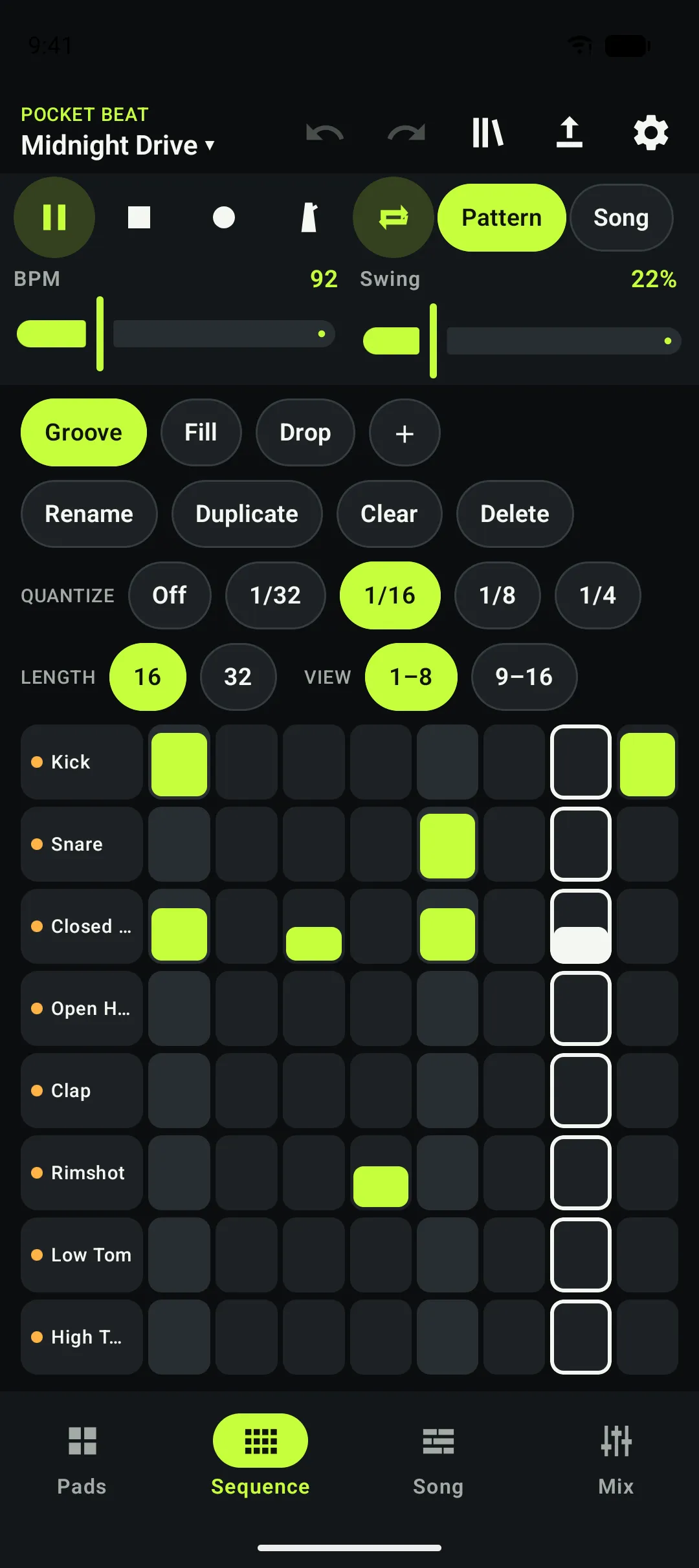
- Sequence. A 16- or 32-step grid with quantize options and accent, normal and soft velocities.
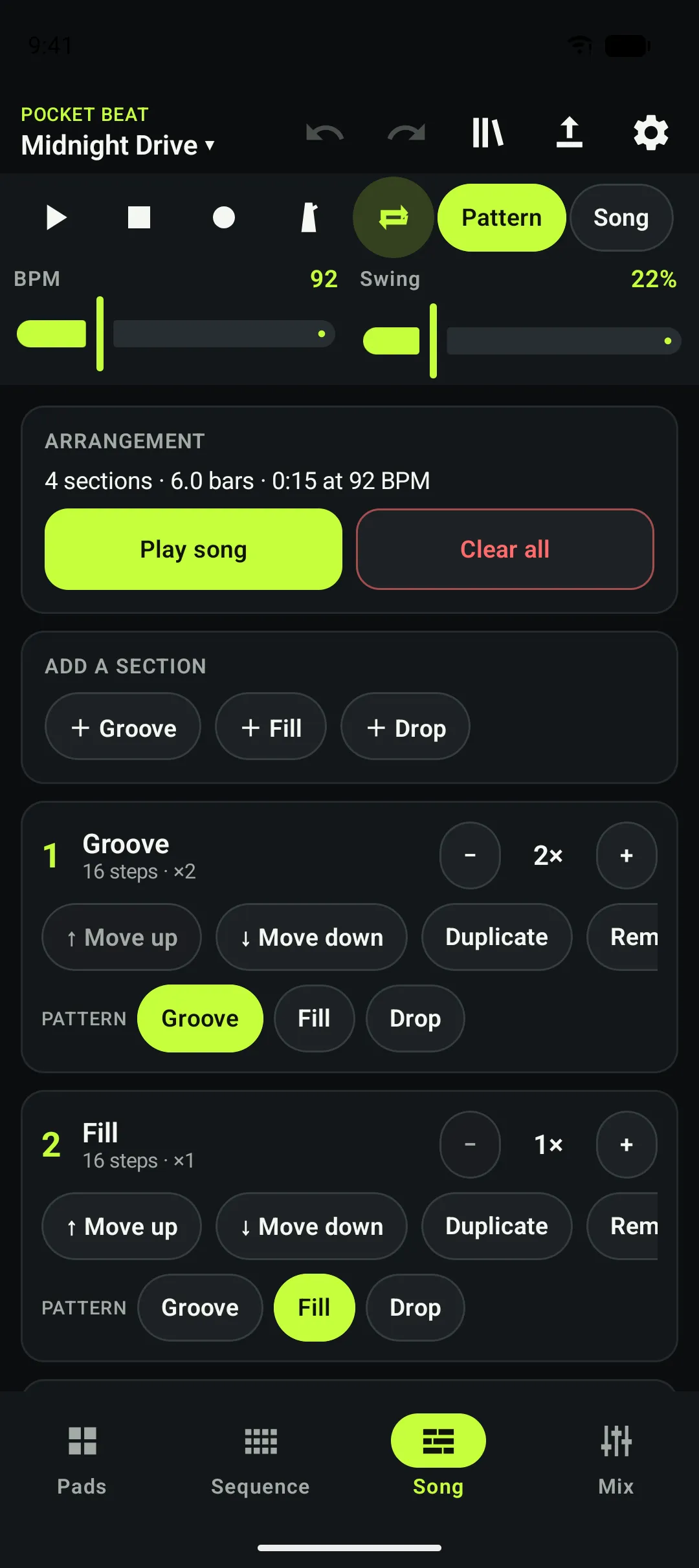
- Arrange. Chain patterns into a song and repeat each section as often as you like.
- Mix. Filter, distortion, delay and reverb on the master bus.
Features
Everything in the app. Nothing behind a paywall.
Each feature below ships in the app you install from Google Play.
Drum pads
Sixteen pads per kit. Tap to play, record your hits into a pattern, and set volume, pan and pitch per pad.
Step sequencer
Build 16- or 32-step patterns one cell at a time, with swing, three step velocities and selectable quantize.
Five drum kits
Hip-Hop, Trap, Lo-fi, House and EDM: 80 original sounds, all built into the app.
Sound effects
A master effects chain with filter, distortion, delay and reverb, plus a limiter to keep levels in check.
Song arrangement
Chain your patterns into sections and repeat them to turn loops into a complete track. Projects are saved on your device.
WAV export
Render your song or current pattern to a stereo WAV file, 16- or 24-bit at 44.1 kHz, and choose where it is saved.
Try the grid
Tap a step. See the idea.
A visual mock-up of the step sequencer to show how patterns work. It is a website demo only and makes no sound; the real thing is in the app.
The moving outline is only a visual playhead. Keyboard: Tab to a step, press Space or Enter to toggle it.
Offline-first
Your beats. Your device.
A focused music-making experience that runs directly on your Android device, without an account or a cloud music-generation service.
This describes the Android app, not this website. Installing and updating the app goes through Google Play, which needs a connection. Android’s own device backup, if you have it on, can include your project files. See the Privacy Policy for details.
- No internet permissionThe Android manifest declares no permissions at all, so the app cannot open network connections.
- No accountThere is nothing to sign up for or sign in to.
- No ads or analytics SDKsThe app’s dependencies are Google’s Oboe audio library and standard AndroidX/Kotlin libraries.
- Sounds are inside the appAll 80 sounds are bundled. There is no cloud sample library and no cloud music generation.
- You choose where exports goAudio is saved through Android’s system file picker, to a location you pick.
One-time purchase
Your studio. Yours to keep.
One purchase. No subscriptions. No ads.
Get the app through Google Play and use everything included, with no recurring payments and no in-app feature purchases.
Purchases happen only on Google Play. This website never takes payment. Pricing and availability are set by Google Play. Refunds & purchases
Coming soon to Google PlayNot yet published. The store link will appear here at launch.
How it works
Three steps from idea to beat.
Step 01: Open
Launch Pocket Beat Maker on your Android device. No account or sign-in.
Step 02: Create
Play the pads, draw patterns in the sequencer and shape the sound with the effects.
Step 03: Save or export
Your project saves on the device. Export a WAV file when you want to take the beat elsewhere.
Screenshots
The real app.
Unretouched captures from an Android emulator running a demo project. Scroll sideways to see more.
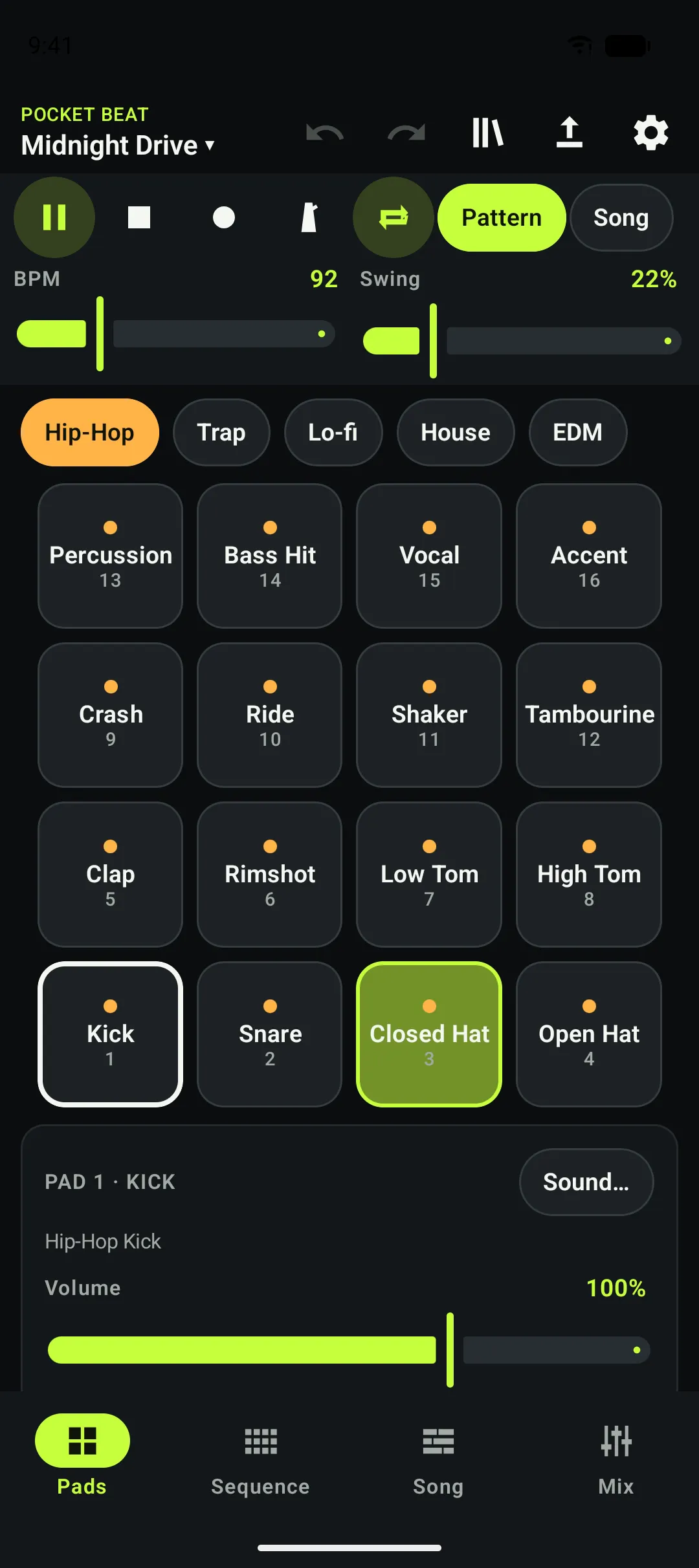
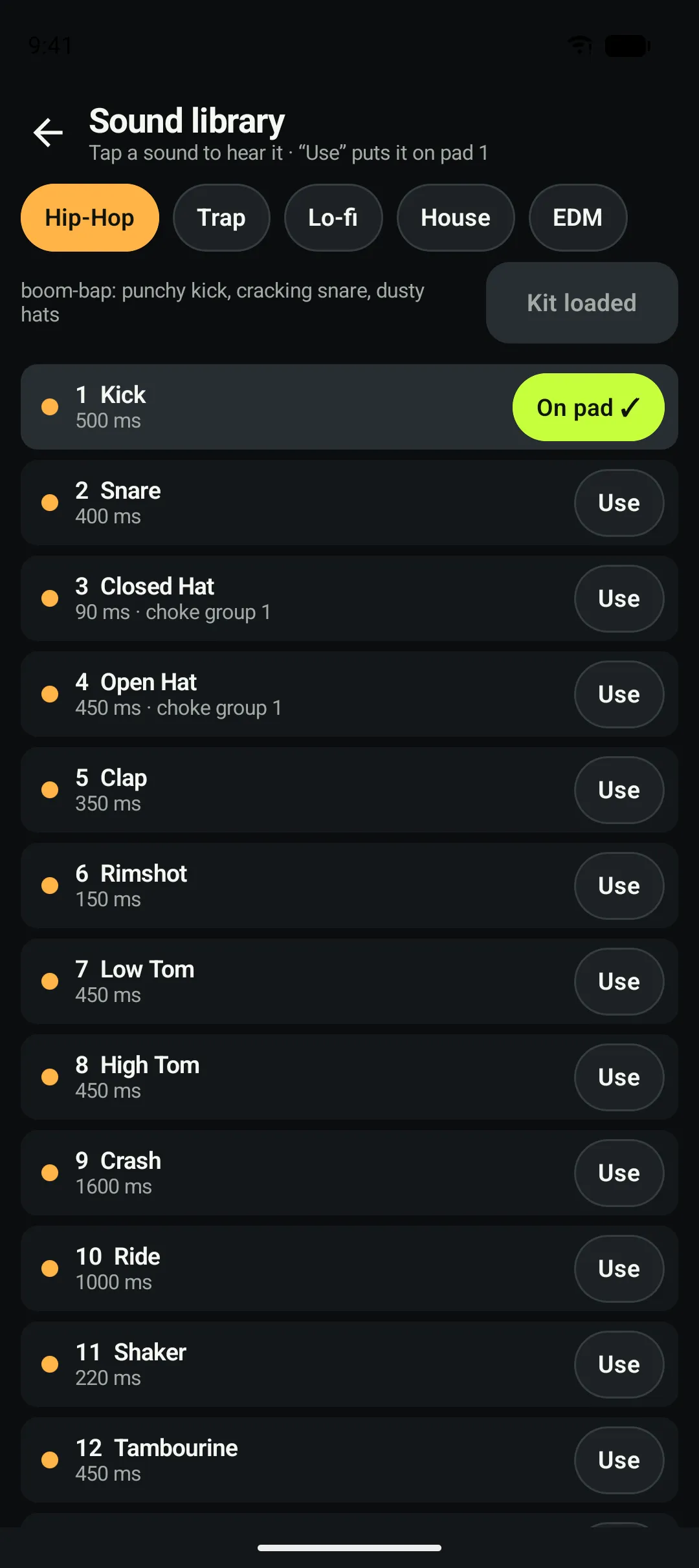
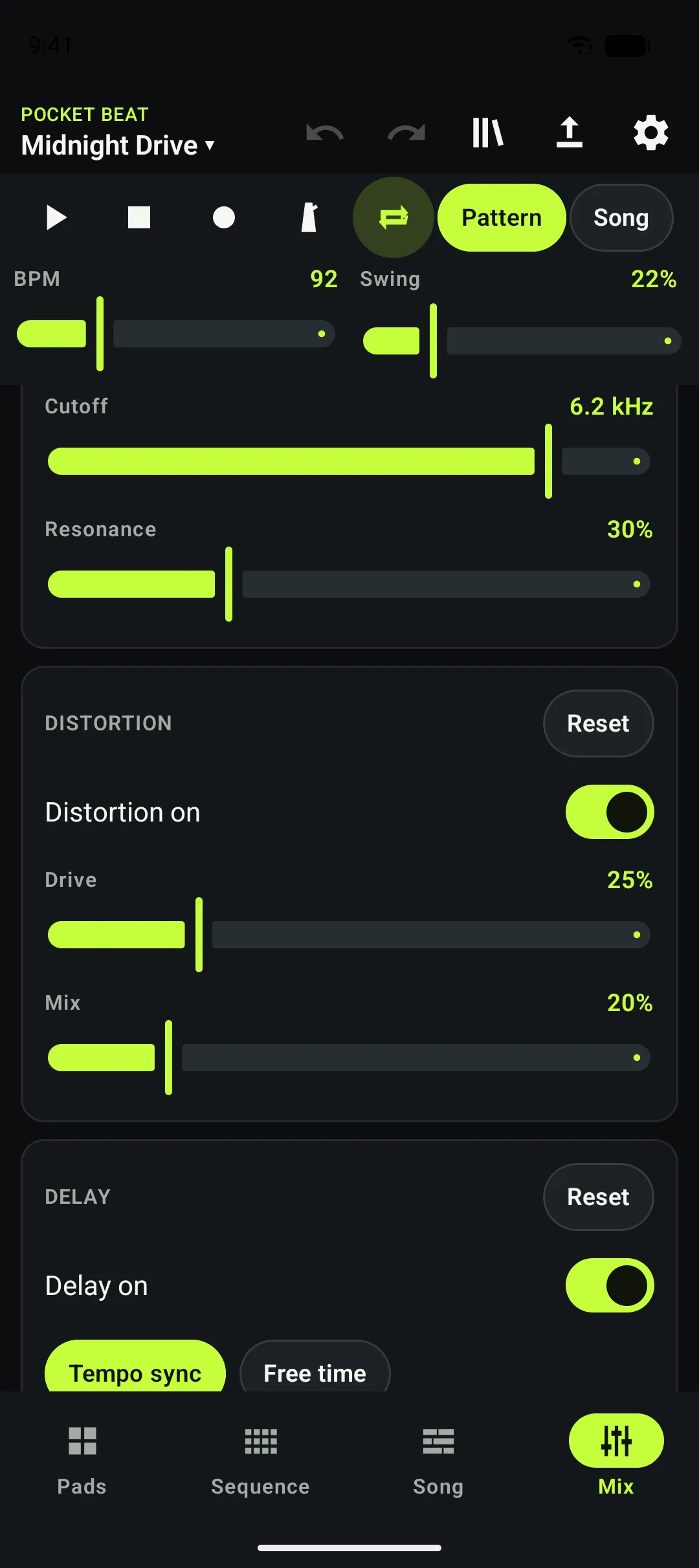
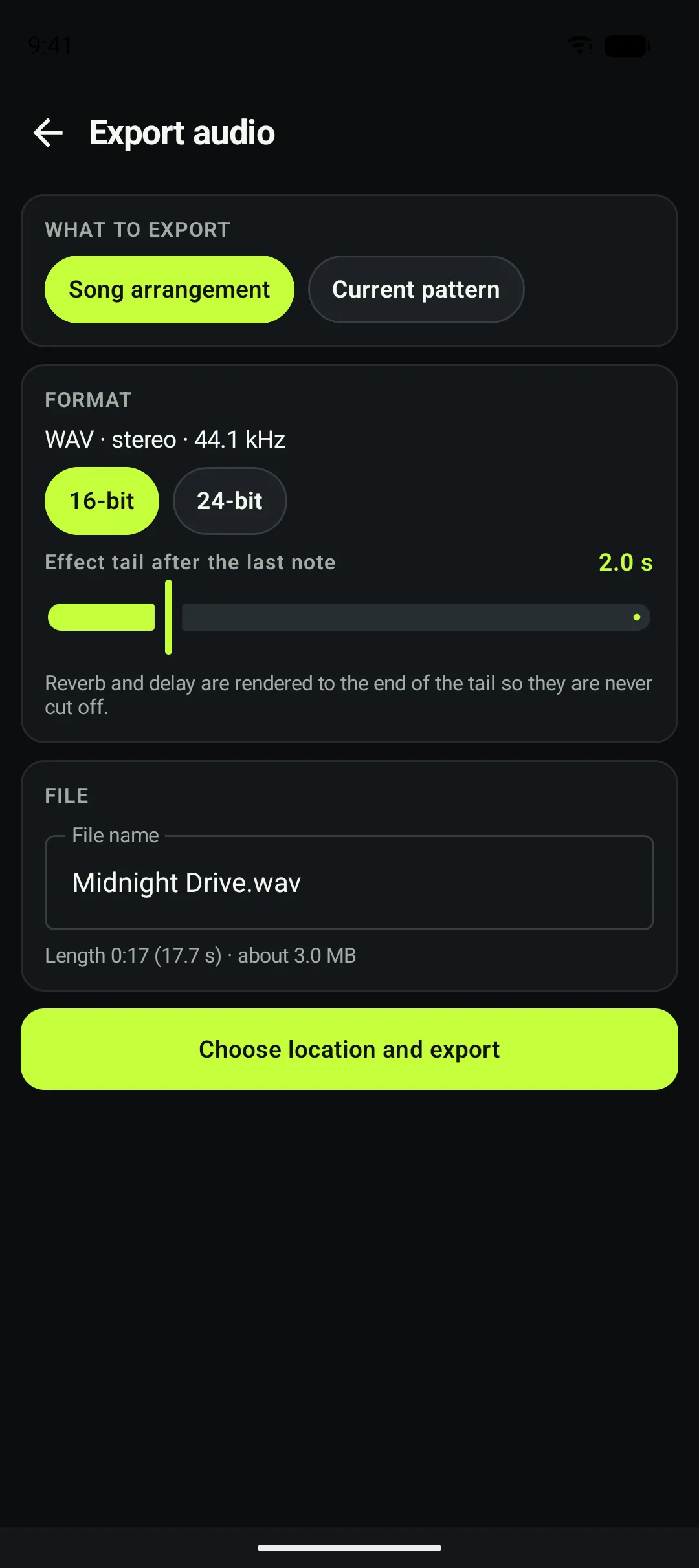
Captured on an emulator, not a physical device. Your device may look slightly different.
FAQ
Questions, answered.
What is Pocket Beat Maker?
Pocket Beat Maker is an Android app for making beats. It combines 16 drum pads, a step sequencer, a song arrangement view, a master effects chain and WAV export in one focused tool.
Which devices are supported?
The app requires Android 8.0 (API 26) or newer. It has not yet been tested on a wide range of physical devices, so we do not promise compatibility with every phone or tablet. Check the Google Play listing for the device list Google shows for your account.
Does Pocket Beat Maker work offline?
Yes. The app declares no internet permission, and all sounds are bundled inside it. Creating, saving and exporting beats do not need a network connection. Installing and updating the app is handled by Google Play and does need one.
Is Pocket Beat Maker a one-time purchase?
Yes. It is designed as a paid app sold through Google Play with one upfront purchase. Price and availability are set on Google Play and can vary by country.
Does it include subscriptions or in-app purchases?
No. The app contains no subscriptions, no in-app purchases, no ads and no billing code. Every feature is included in the app you install.
Can I create drum patterns?
Yes. Patterns can be 16 or 32 steps long, with swing, quantize and three step velocities. You can keep up to 32 patterns per project and chain them into a song.
Can I export my beats?
Yes, as stereo WAV files at 44.1 kHz, 16-bit or 24-bit. You choose where each file is saved using the Android system file picker. Other formats such as MP3 are not supported.
Does the app collect personal information?
The developer does not collect personal information through the app: it has no accounts, no analytics, no ads and no network permission. Android and Google Play process some data themselves, for example for your purchase and, if you have device backup turned on, for backing up your project files. Read the Privacy Policy for the full detail.
How do I restore access after reinstalling?
Google Play purchases are generally tied to the Google account used to buy the app. Sign in to Google Play with that account and reinstall the app. Availability is subject to Google’s policies and your account’s status. Purchases do not transfer to unrelated accounts or platforms.
How can I request support or a refund?
For help, use the Support page. Refund requests go through Google Play’s own refund process, and Google decides eligibility under its rules and applicable law. We do not run a separate refund scheme. See Refunds & Purchases.
Still stuck? Visit the Support page.
Ready to make your next beat?
Bring your ideas to life with Pocket Beat Maker.
Coming soon to Google PlayNot yet published. The store link will appear here at launch.